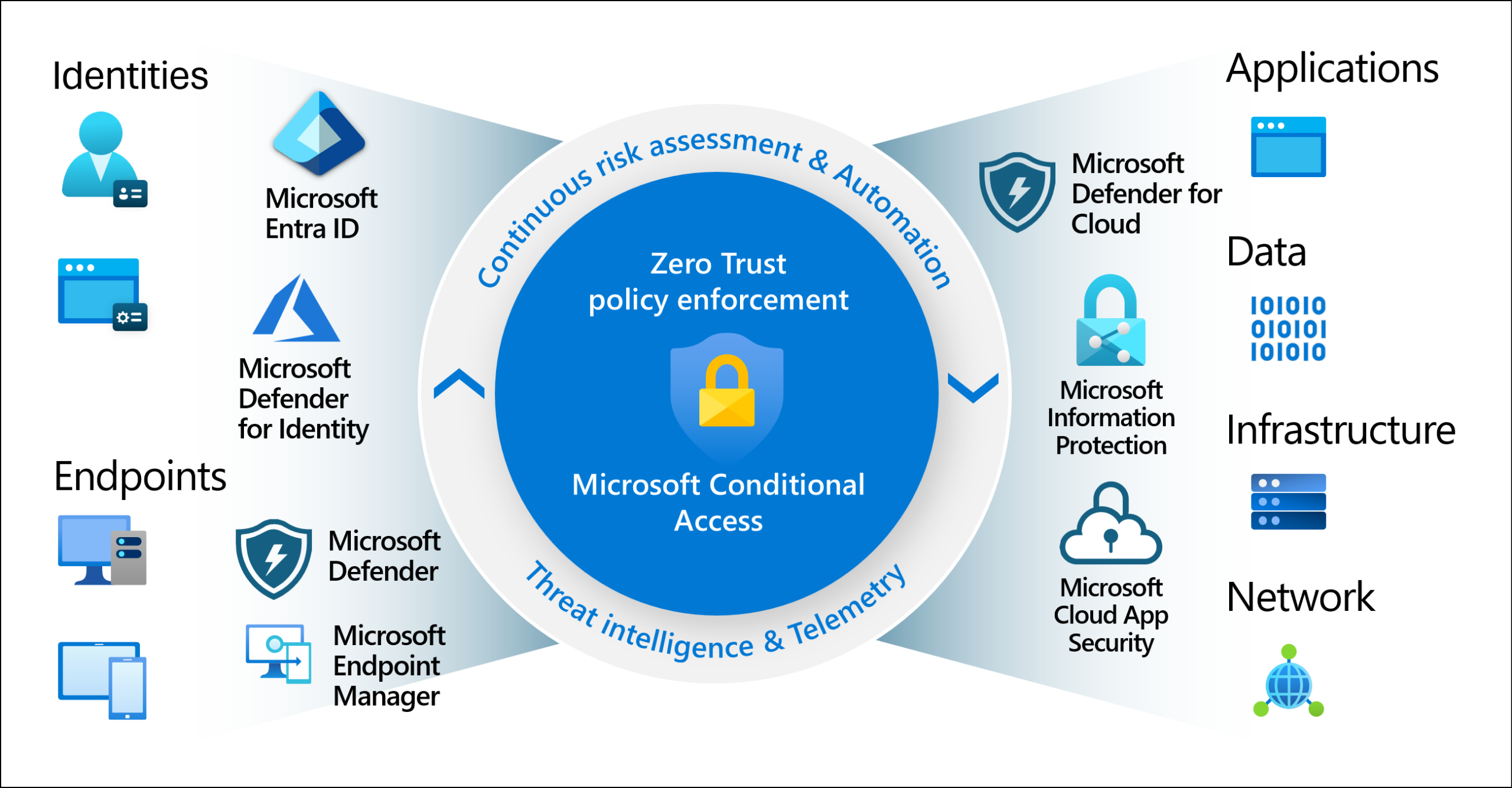

Woohoo! You implemented phishing-resistant MFA for access to the admin portal. That’s great!
But… did you actually improve your situation at all?

It depends. Do you still have other MFA methods that can be used to sign in to non-admin areas, such as Outlook, SharePoint, or perhaps your profile’s Security Info page?
I’m going to demonstrate an MFA downgrade attack. This tenant enforces MFA on all logins, as it should. However, it only enforces phishing-resistant MFA for logins to the admin portal. We didn’t want to force phishing-resistant MFA everywhere because it didn’t work with some of our tools. So we decided to just enforce it for the admin portal.
Stealing the Session with an MFA Downgrade
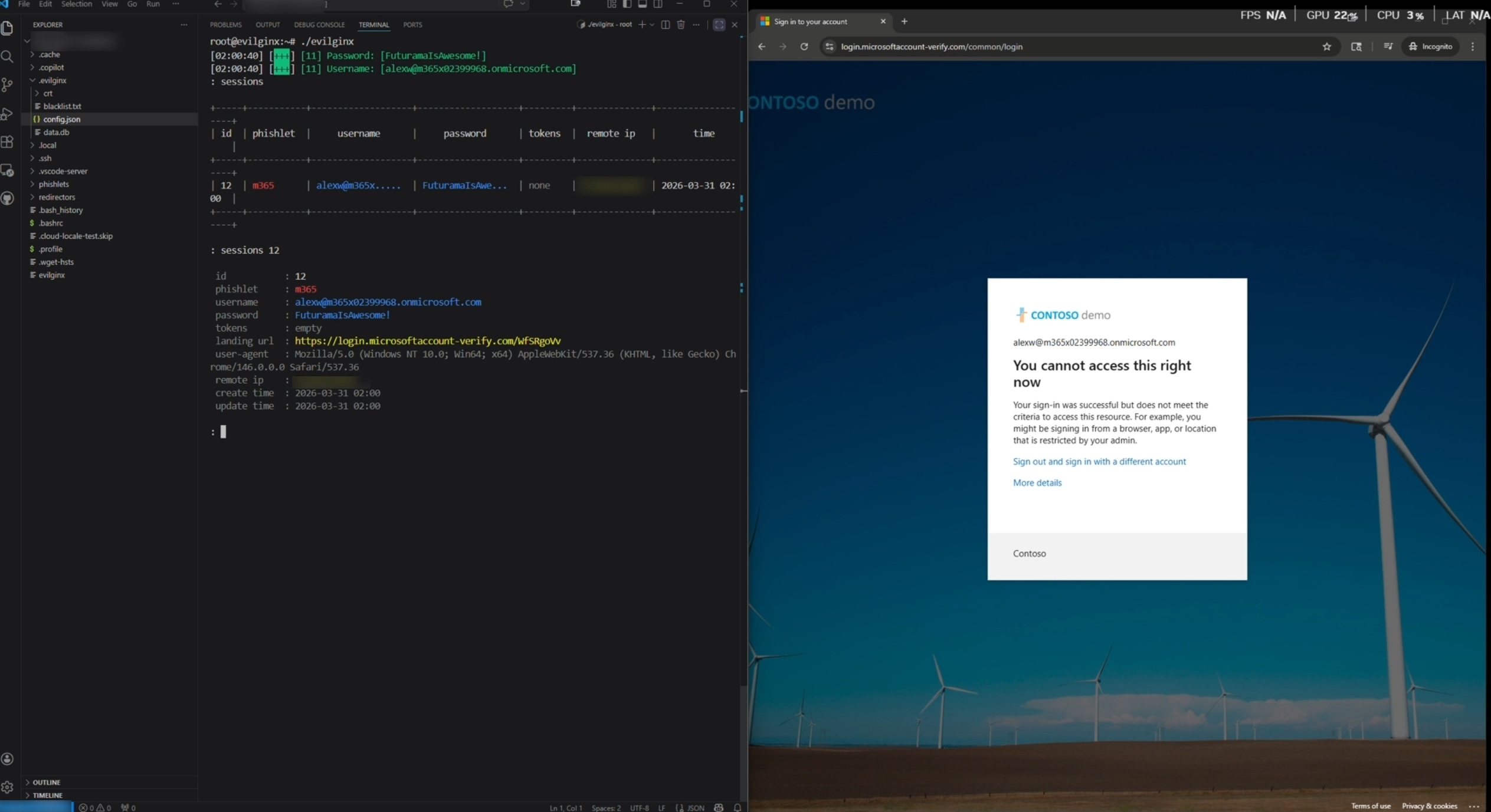
I’ve shown what a stolen token looks like before, so I’m going to breeze through this part. The interesting piece here isn’t the token theft itself, it’s how the attacker can hide certain MFA options.
By default in Microsoft 365, if you register a FIDO2 key for your account, the sign-in page will default to using it. That’s a problem for the attacker, because FIDO2 is phishing-resistant by design. The security key is origin-bound, meaning it validates the domain it’s authenticating to. Even if a user could be prompted for their security key on a proxy site, the key would refuse to sign the challenge because the origin doesn’t match. So the attacker can’t just relay it through.
This is where the MFA downgrade attack comes in. Using a proxy (an adversary-in-the-middle setup), the attacker automatically hides/blocks the FIDO2 option from the sign-in page. Microsoft 365 then falls back to prompting for the next available method. In this case, that’s password plus the Authenticator app.
Notice how the “Use your face, fingerprint, PIN, or security key instead” option is missing?
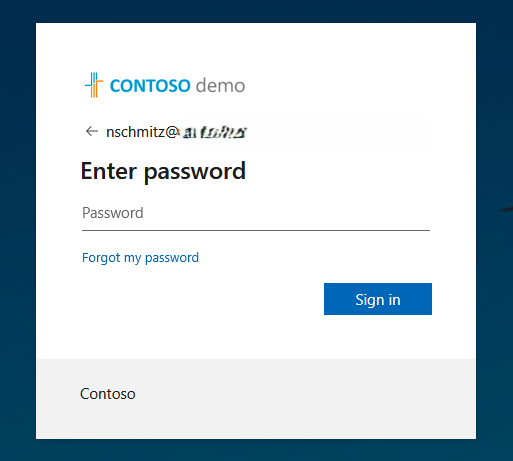
That’s the proxy site hiding it. It already prompted for the password instead of allowing the default FIDO2 key, and it removed the option that would normally let the user choose FIDO2, like in this normal sign-in. Now normally it would just prompt right away to select your key and then to touch it. But it suppresses that.
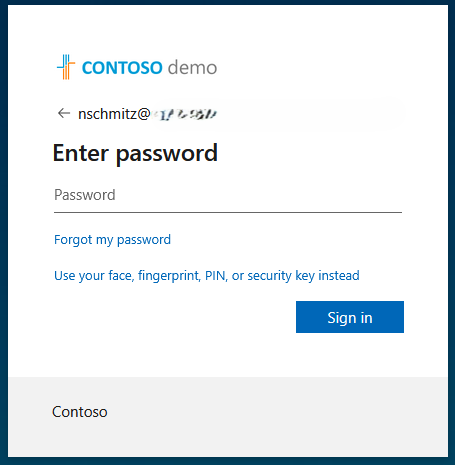
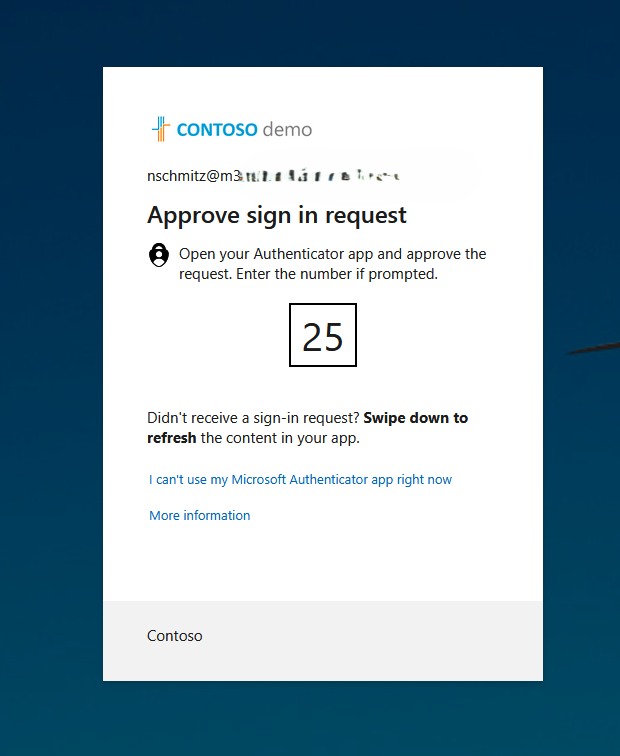
Doesn’t look too suspicious. Just looks like Microsoft 365 had a brain fart and wanted you to use your password and Authenticator app. The user signs in, the proxy steals the session token. With the help of a cookie/token injector, the attacker uses that token to get logged in.
Hitting the Wall (Briefly)
Now when the attacker tries to go to any of the admin portals, they get this:
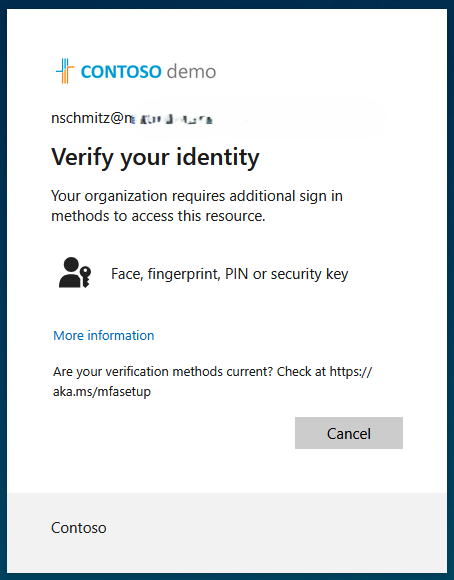
This is expected, right? The Conditional Access policy requires an Authentication Strength of “Phishing-resistant MFA,” which includes methods like FIDO2 security keys, certificate-based authentication, and Windows Hello for Business.
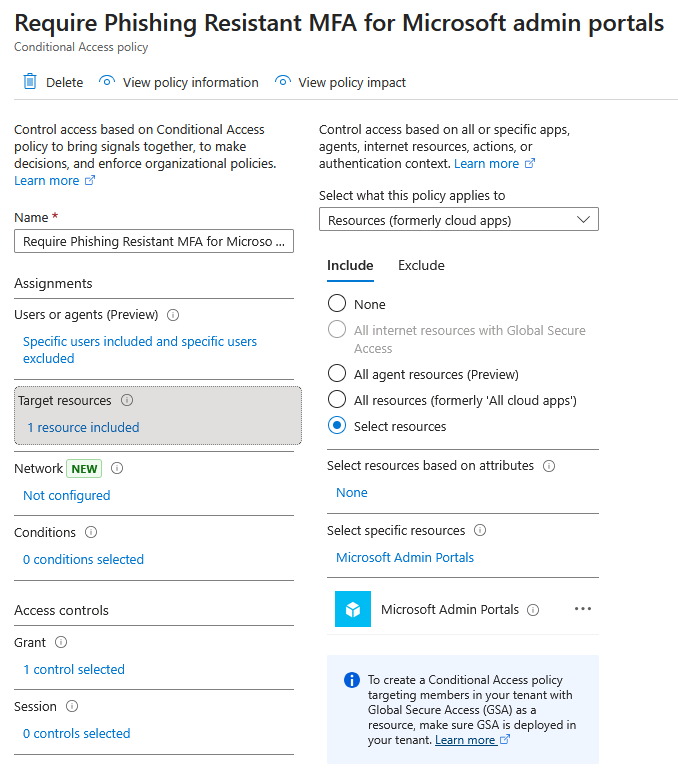
So rats! Better give up…
But Wait There’s More!
The attacker logged in with MFA. Not phishing-resistant MFA, but MFA. So let’s go pay a visit to our little friend: https://mysignins.microsoft.com/security-info.
Here’s the attacker, still signed in on a compromised session with that weaker MFA method.
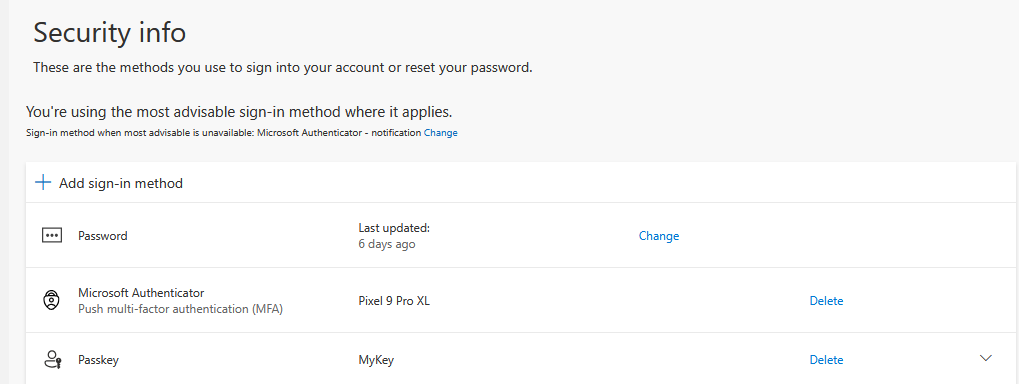
And what’s this? A little treat? According to that Conditional Access policy, phishing-resistant MFA is needed to access the admin portal. But what if the attacker just… deleted the existing FIDO2 key and registered their own? Surely it won’t allow that.
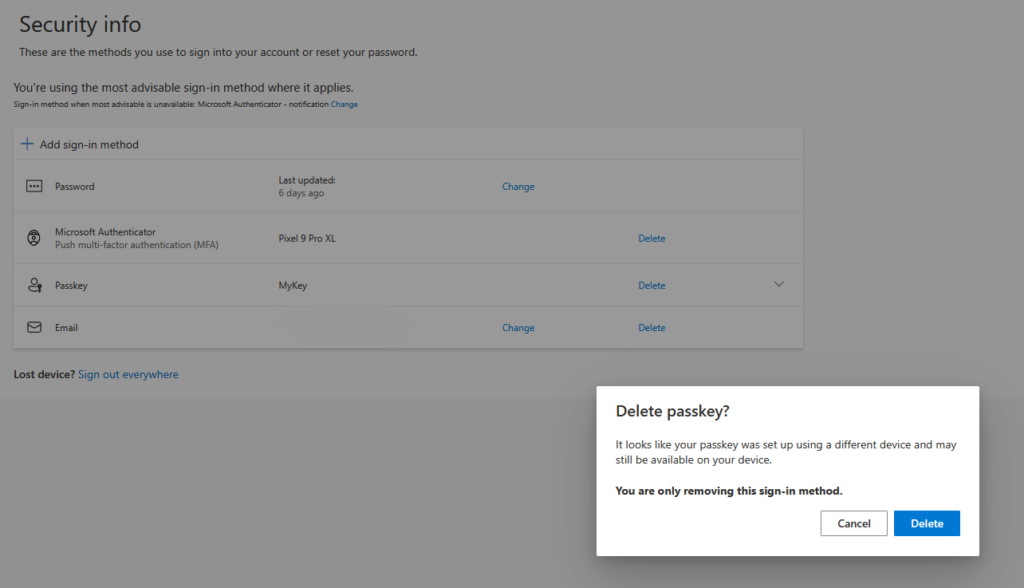
Welp It does.
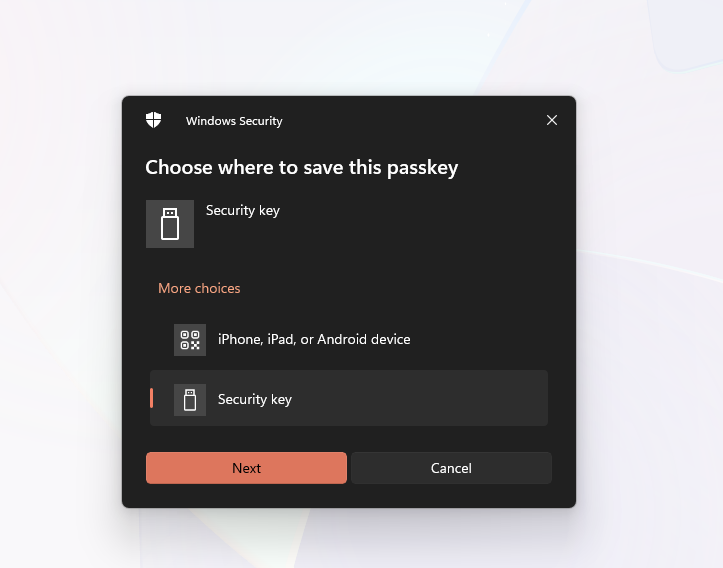
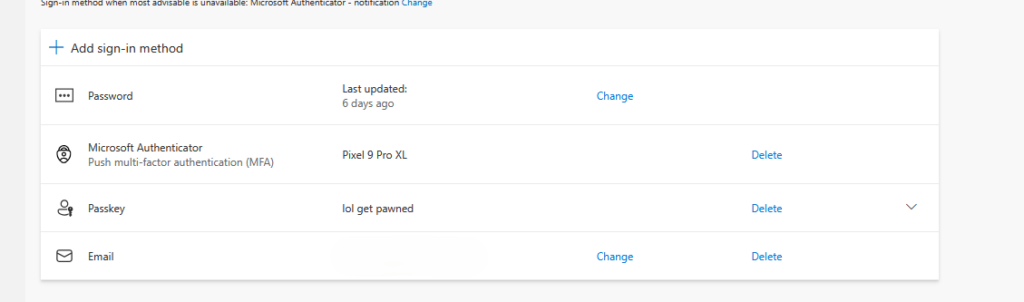
The attacker removes the legitimate user’s FIDO2 key and registers a new one that they control. Now when the admin portal demands phishing-resistant MFA, the attacker satisfies that requirement with their key.
Let’s go see if we can cause some mayhem.
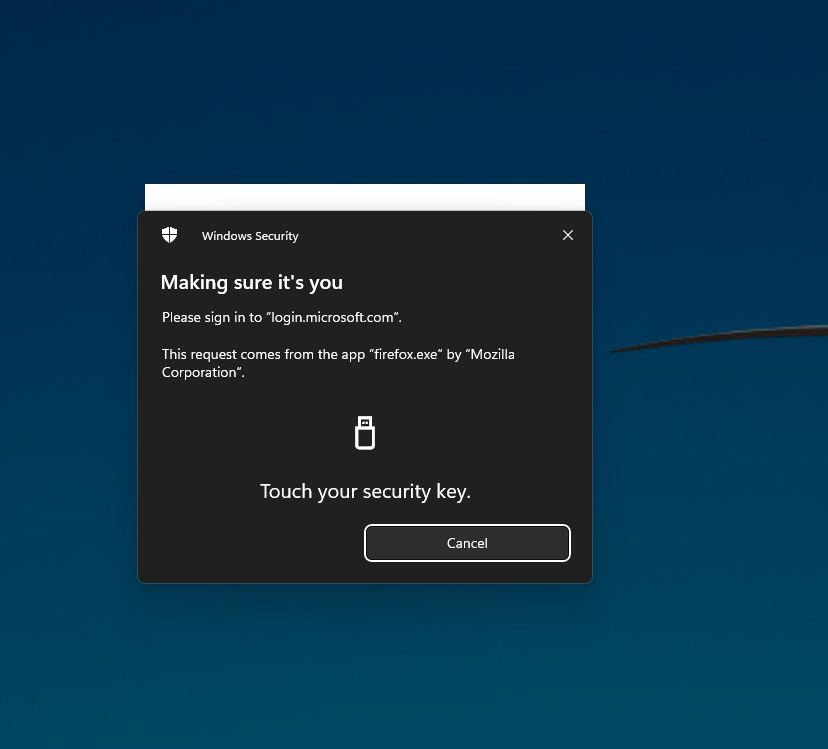
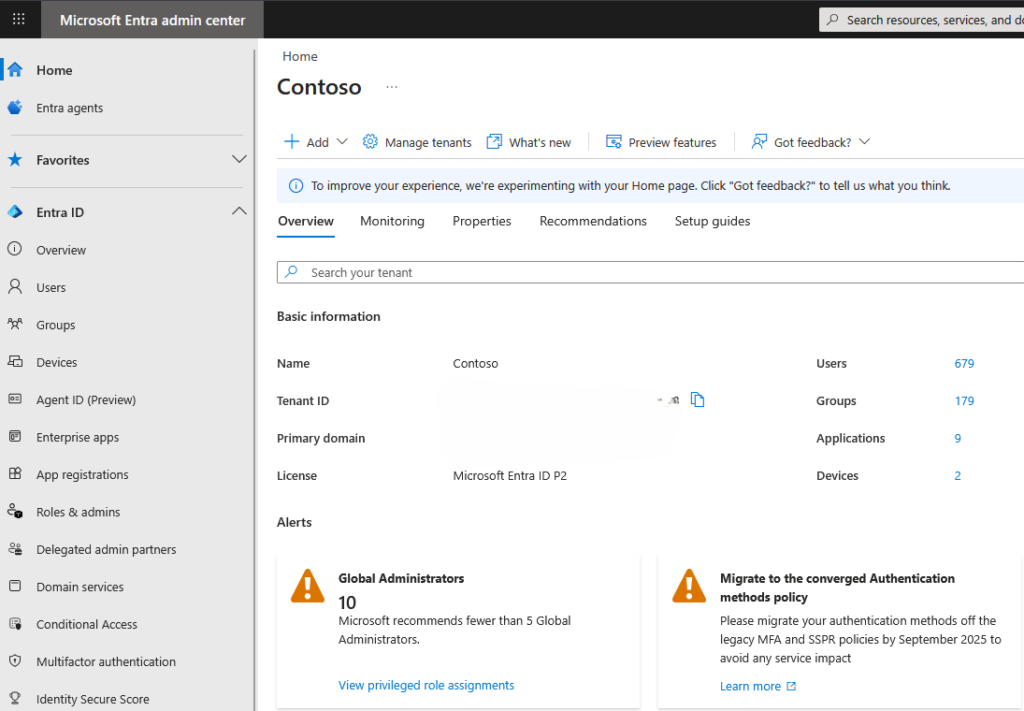
And we’re in.
So what did we learn today?
- Cleopatra lived closer in time to the Moon landing than to the construction of the Great Pyramid. The pyramid was built around 2560 BC, Cleopatra died in 30 BC, and the Moon landing was 1969 AD.
- If you only enforce phishing-resistant MFA for the admin portal but allow weaker methods everywhere else, an attacker can steal a session via MFA downgrade, waltz into Security Info, delete your FIDO2 key, register their own, and stroll right into the admin portal. Scoping phishing-resistant MFA to just the admin portal is like putting a deadbolt on your all glass front door… and the deadbolt is a Cheeto.
- Roman soldiers were sometimes paid in salt, which is where the word “salary” comes from. But lesser known is that they also received a vinegar ration called “posca,” which was basically the Roman equivalent of Gatorade. It was so effective that it remained a military staple for centuries.
- Stop using generic “Require MFA” grant controls in your Conditional Access policies. Use Authentication Strengths instead, and enforce phishing-resistant methods for all sign-ins for admins bare minimum.